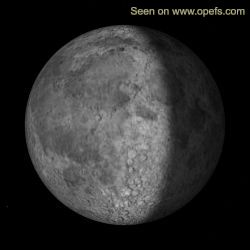
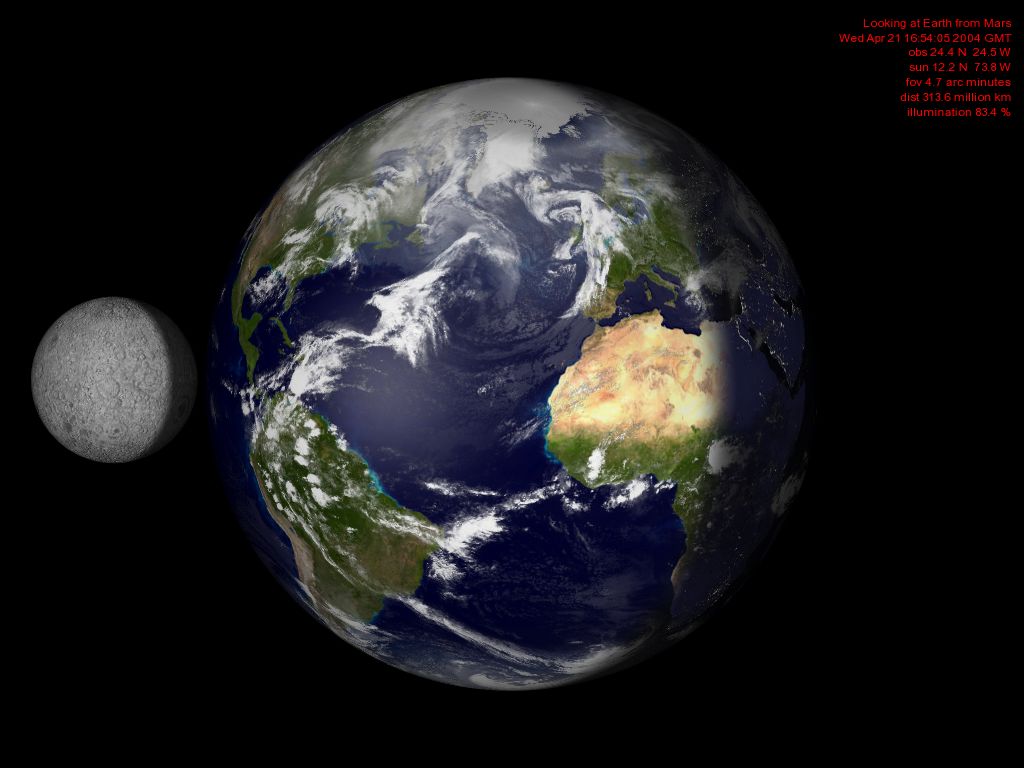
The
wallpaper/desktop item is configured to automatically update itself.
In the beginning you may find yourself adding several
desktop items to find the one which you like best.
Please uninstall unused desktop items via
Start --> Settings --> Control Panel --> Display --> Web
--> Properties
to conserve bandwidth.
|
Languages:_ _
How can I set
"Our Planet Earth from Space"
as self-updating desktop wallpaper?
If
you have Windows 95, 98, ME, 2000 or XP and Internet Explorer 4.0 or
later you can add "Our Planet Earth from Space"
to your active desktop, for example as wallpaper.
NOT
FOR INTERNET EXPLORER 7!
(Should
you be using an Internet Explorer below version IE7 and are going to
change later, then the Active Desktop will simply stop working. A special
de-installation is not necessary).
There is a free version and a pay version.
By
buying the wallpaper you can show your general support for this web site and
server maintenance, continuing development, etc...
The pay version is no longer in active development, because Microsoft Vista can't display "ACTIVE DESKTOPS". In its present state the pay version is inferior to the free version.
If
you still want to buy the wallpaper you can do so in the wallpaper
shop.
Otherwise,
to install the free wallpaper
open this page with Internet Explorer (if you aren't already using IE)
and then click on the "Add to Active Desktop" icon of the
view you wish to install as wallpaper.
The
images are fully resizable to any resolution and can be placed anywhere
on your desktop, including fullscreen background (wallpaper).
To use as fullscreen wallpaper drag the item to the left, until you
see the following, and click on the "fullscreen" icon.
If
after downloading the wallpaper can't be moved or resized then "unlock"
your desktop by right clicking with your mouse on the desktop and take
the tickmark off "Lock Desktop Items".:
My
wallpaper does not refresh after 20 minutes,
what is wrong? |
| The
wallpaper gets its refresh settings from the Microsoft Internet
Explorer. To be certain that the wallpaper refreshes: launch Internet
Explorer, open TOOLS -> INTERNET OPTIONS -> GENERAL ->
TEMPORARY INTERNET FILES -> SETTINGS and then choose the option
CHECK FOR NEWER VERSION OF INTERNET PAGES -> EVERY VISIT TO THE
PAGE. |
| What
happens if my computer reboots or was offline for a while? |
| Your
wallpaper/desktop item may not be current until 20 minutes after
you go online. Tell me of your experiences because I can't simulate
this behaviour on my servers (at least not without knocking you
offline). My computers are never turned off. |
| That
is fine, but how do I get "Our
Planet Earth from Space" off of my desktop? |
| You
right click on the desktop, select "Active Desktop", then
"Customize Desktop...". From this dialog, you can uncheck
"Our
Planet Earth from Space"
to disable it, or click the remove button to remove it entirely. |
|